Your dining room, drawn the way you imagine it.
A complete visual studio to design your restaurant floor: parameterized tables, independent floors, walls, floating text, and real-time table status tracking.
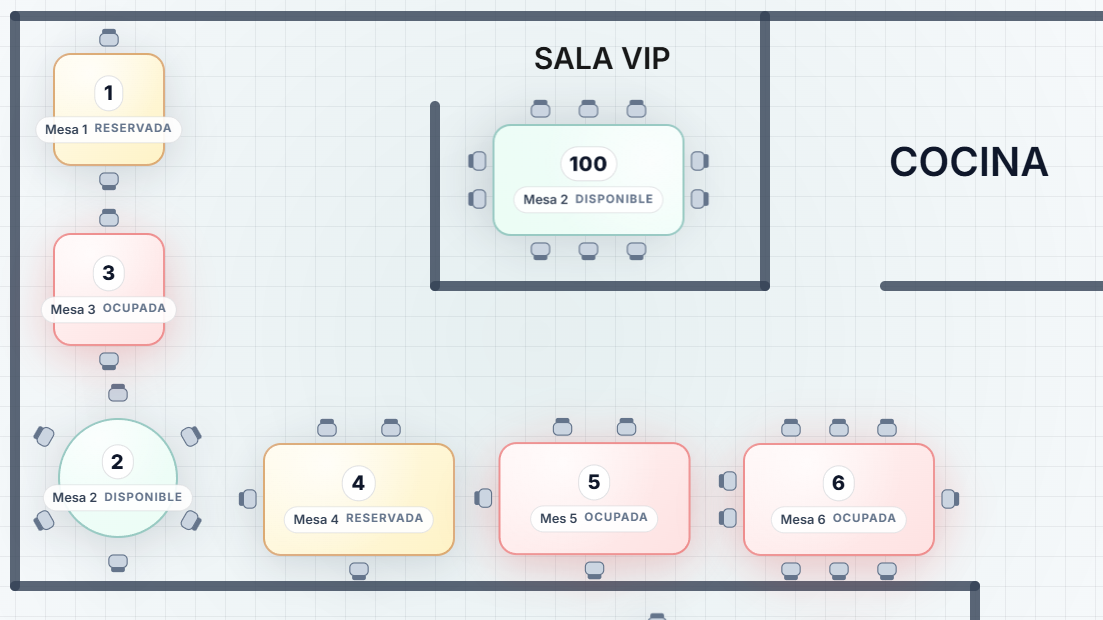
Active mode
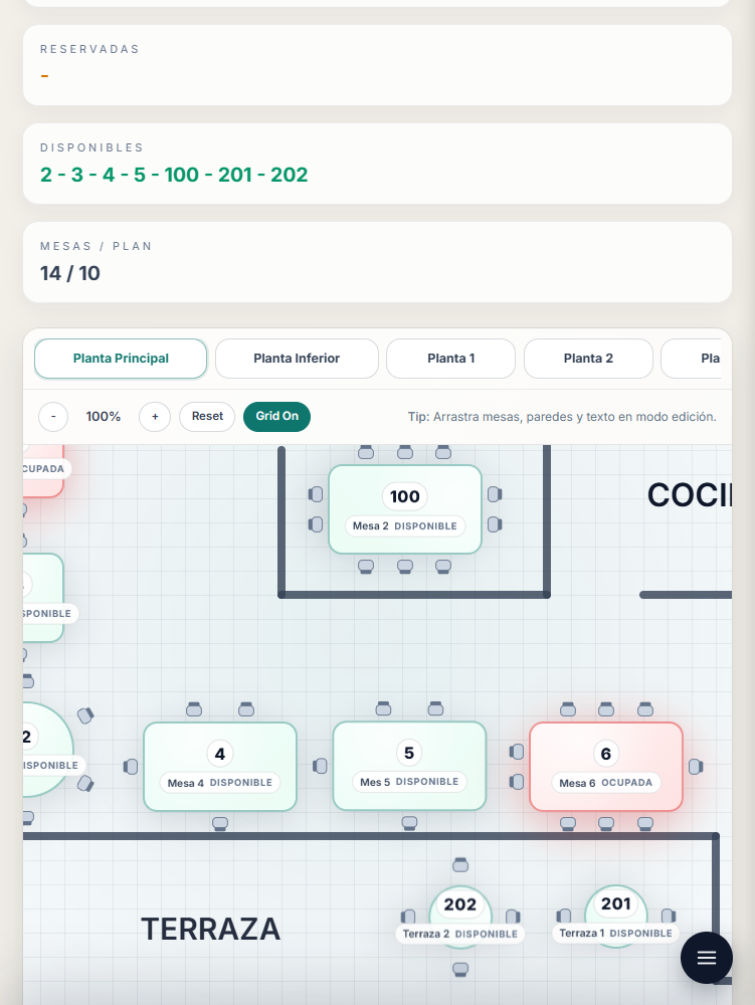
Floor editor - Floor 1
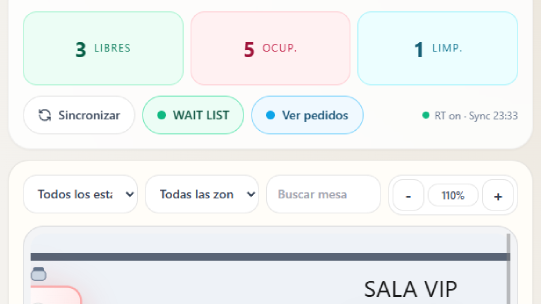
Real-time stats
Instant visual control of your floor
Check occupancy, reserved tables, and availability at a glance. The panel updates continuously so your team can react fast during service.
24
Total tables
Distributed across floors
3
Active floors
Main room, terrace, private
100%
Real time
Table states fully synchronized
PRO
Recommended plan
No layout limits
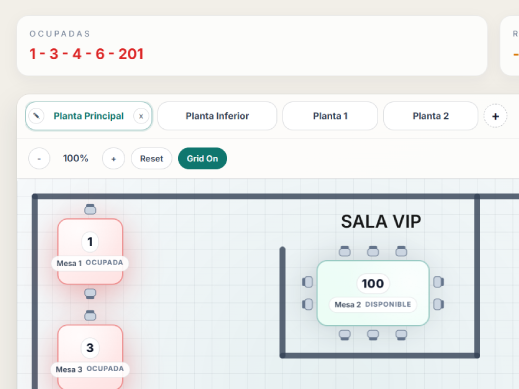
Floors
Organize your restaurant by levels
Create, rename, and remove floors to separate terrace, indoor, or private areas. Each floor has its own map and table set.
- ✓ Always-visible floor tabs
- ✓ One-click floor switching
- ✓ Safe create and delete flows
- ✓ Clean visual hierarchy for fast operation
Canvas
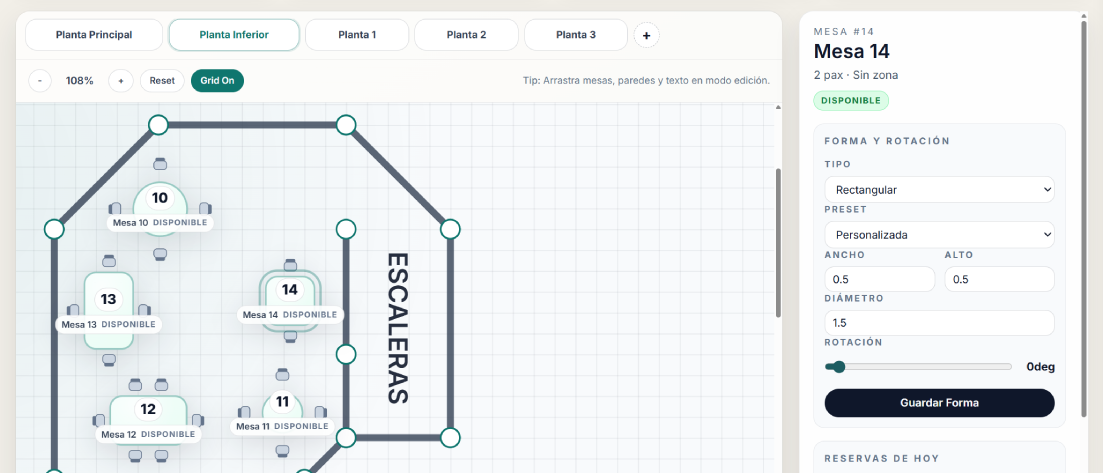
A free-form map to design without friction
Move elements, adjust positions, and build a layout that matches your real venue. The canvas is optimized for speed under service pressure.
- ✓ Drag-and-drop tables and items
- ✓ Visual grid for easy alignment
- ✓ Automatic change persistence
- ✓ Optimized rendering for large floor maps
Table types
Rectangular and round tables
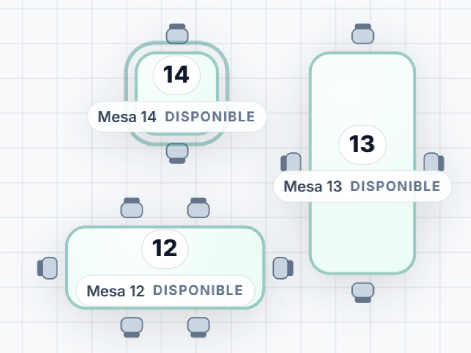
Set table shape according to your real operation. Adjust dimensions and rotation to represent your space precisely.
Rectangular
Great for larger groups
- Size presets
- Configurable width and height
- Capacity shown in card
Round
Perfect for social experiences
- Diameter controls
- Natural chair distribution
- Fast status readability
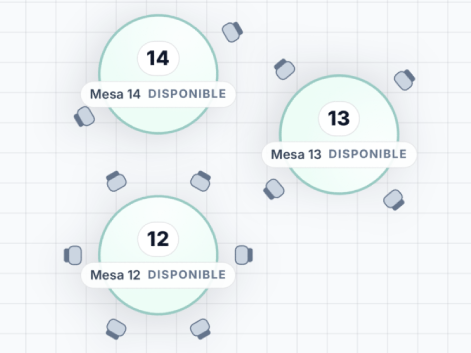
Table states
Available, reserved, and occupied
Each state uses color and contrast so staff can identify table situation in seconds.
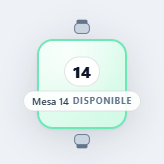
Available
Ready for guests or walk-ins.
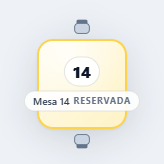
Reserved
Shows upcoming reservations and arrival time.
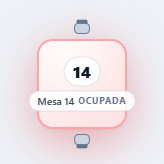
Occupied
Signals tables currently in service.
Dynamic chairs
Adjust chairs in real time
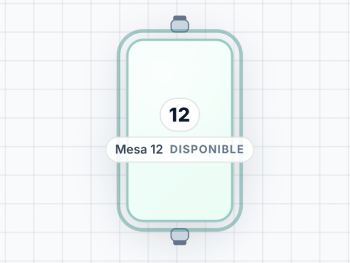
Set chair count per table and render it visually so the floor map reflects real capacity by area.
- ✓ Automatic chairs by table capacity
- ✓ Works with round and rectangular tables
- ✓ Clear capacity visualization
- ✓ Instant updates in the map
Venue structure
Walls and floating text
Draw limits and labels to build a map any team member can understand immediately.
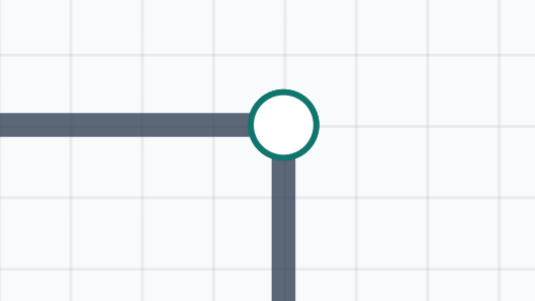
Walls
Define paths and separators
- Editable line handles
- Thickness and position controls
- Supports complex spaces
Floating text
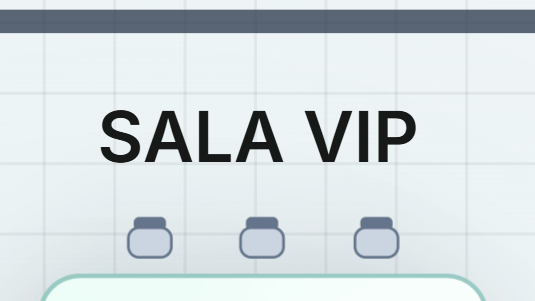
Label areas and references
- Free labels anywhere
- Great for room naming
- Improves internal navigation
Inspector
Edit every detail with precision
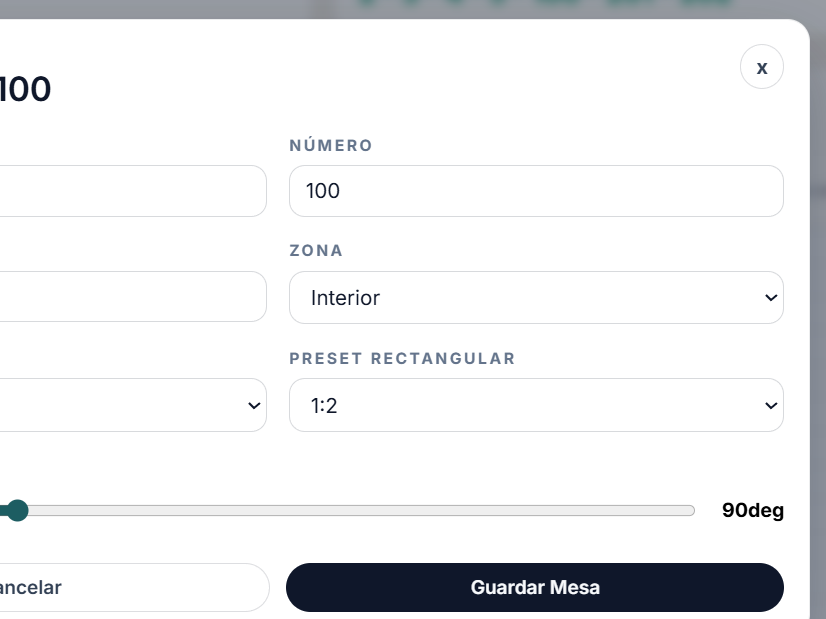
Select any element and tune properties without leaving your flow.
- ✓ Table number and name
- ✓ Capacity and location
- ✓ Type and visual parameters
- ✓ Quick edit actions
Side panel
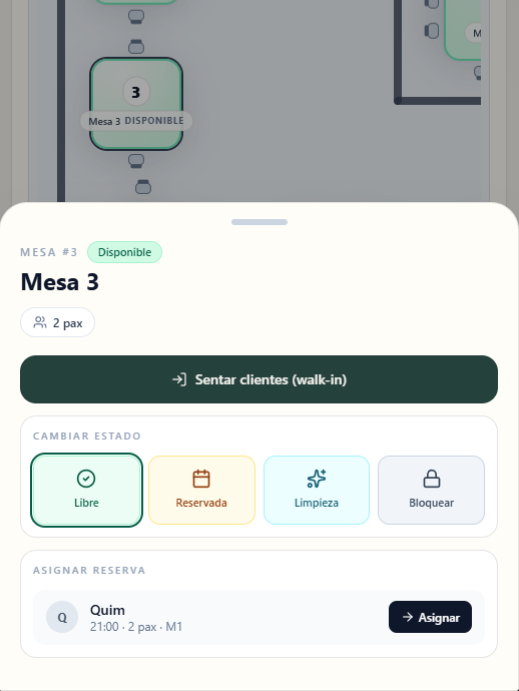
All operations in one column
Access states, reservations, actions, and key data from a contextual side panel to keep service moving.
- ✓ Table status summary
- ✓ Next reservation visible
- ✓ Occupy and free actions
- ✓ Direct access to booking history
Table view
Tabular control for fast operations
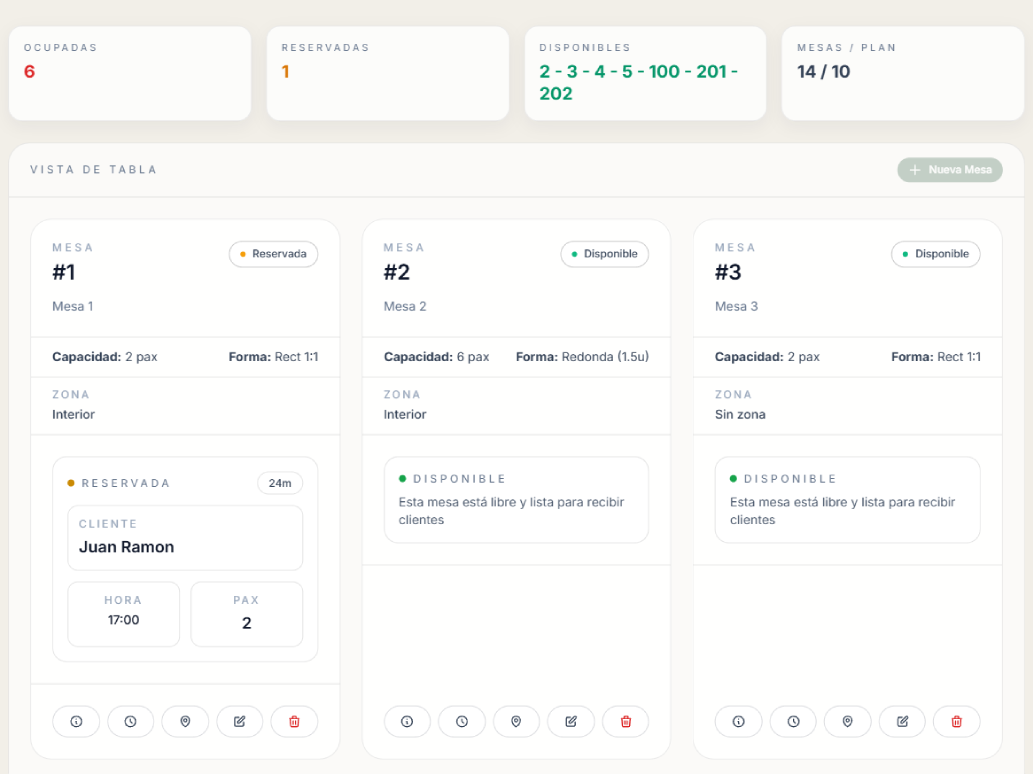
Switch between map and table view to search, filter, and operate in bulk when speed matters.
Full table
All records in one view
- Operational key columns
- Sort by number or state
- Row-level quick actions
Search and filters
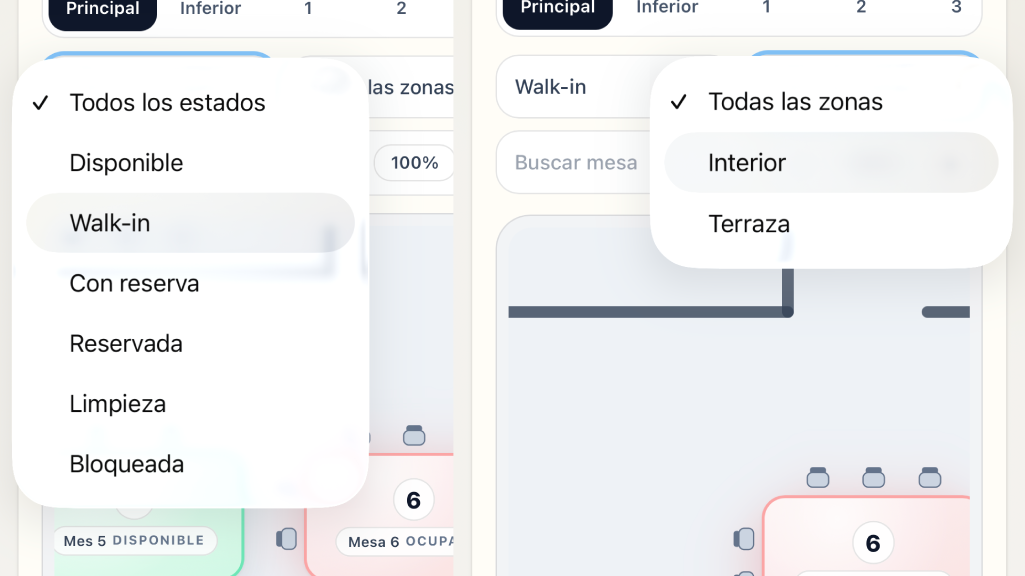
Find tables in seconds
- Search by number or name
- Filter by state and area
- Instant results
Zones
Assign tables to restaurant zones
Connect layout with your operational zones to improve online booking, team assignment, and occupancy visibility.
- ✓ Zone selector for each table
- ✓ Map filtering by zone
- ✓ Online booking compatible
- ✓ Clear flow for floor staff and hosts
Work modes
View mode and edit mode
Switch context depending on service moment: operate quickly or redesign your floor.
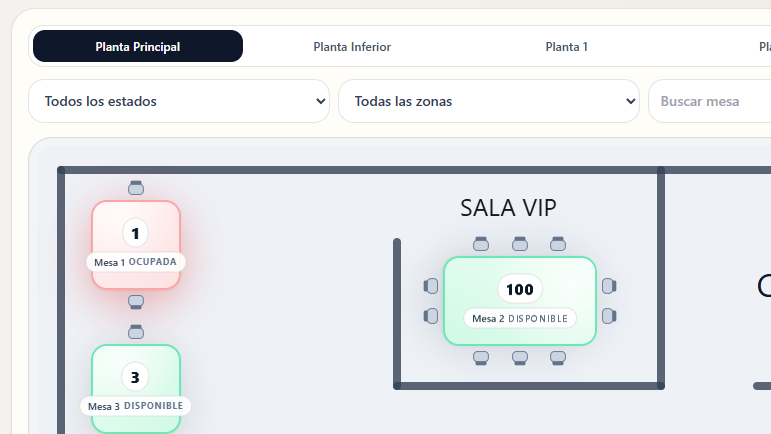
View mode
Best for monitoring states and acting on active tables.
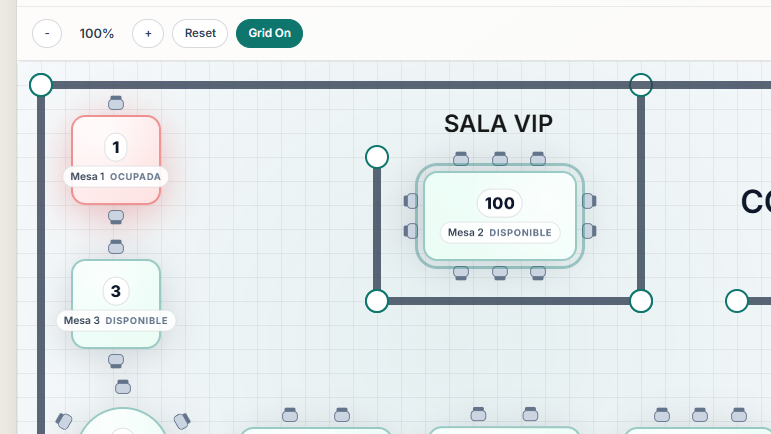
Edit mode
Designed for changing layout, elements, and floor structure.
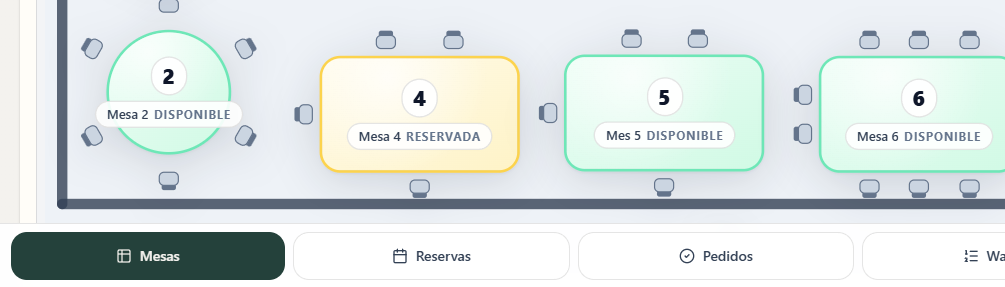
Reservation integration
Your floor map talks to your booking system
Each table links to current and upcoming reservations to avoid conflicts and improve guest experience.
- ✓ See next reservation per table
- ✓ Lead time and occupancy in context
- ✓ Linked reservation history
- ✓ Synchronized with online booking
Start today
Design a floor your team actually wants to use.
Activate Layout Studio in minutes and operate with a clear, updated, and service-ready map.